
Website Maintenance: What It Includes and Why It Matters
Website maintenance covers updates, backups, security, uptime, performance and content upkeep. Here is what a proper maintenance routine includes and…
Care for WordPress sites
WordPress, its plugins and PHP keep moving. We keep your site in step with them: updates tested before they go live, backups you can restore, and someone watching for problems so you do not have to.
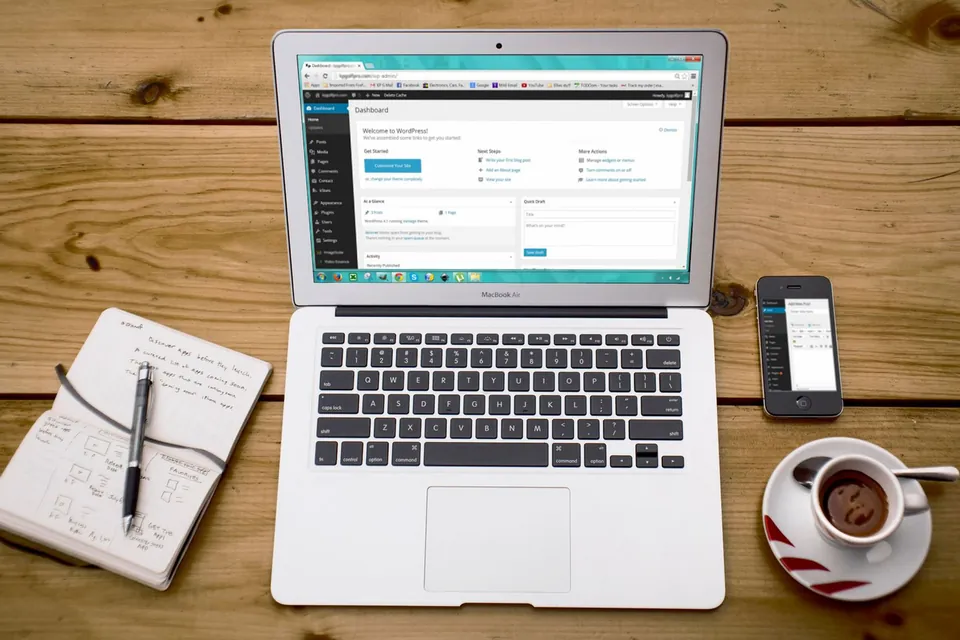
WordPress maintenance is the ongoing technical care of a WordPress website, including updating WordPress core, themes and plugins, taking and testing backups, monitoring security and uptime, and fixing issues as they appear. It keeps the site secure, compatible with current PHP versions and working reliably, rather than waiting for something to break.
A WordPress site is not finished at launch. WordPress core, themes and plugins release updates regularly, many of them security fixes. Hosting providers retire older PHP versions. Forms stop delivering email when a mail configuration changes. Left alone, a well-built site slowly becomes a vulnerable one.
Our WordPress maintenance is specific to the WordPress ecosystem. That matters because the most common WordPress problems, such as plugin conflicts, failed updates, malware injected through outdated plugins and broken page builder layouts, need someone who knows WordPress internals well. We:
For websites built on custom PHP, static HTML or other platforms, our website maintenance and support service is the better fit.
Companies whose website matters for enquiries but who have no in-house developer to handle updates, backups, security alerts and the occasional broken page.
Stores where a failed plugin update or checkout error directly costs sales, and updates need careful testing against payment, shipping and order flows.
Designers and marketing agencies that build WordPress sites for clients and want a reliable technical partner to handle ongoing care behind the scenes.
Owners who have dealt with malware or spam injections and want proper hardening, monitoring and update routines so it does not happen again.
Many sites are maintained in one of two ways. Either nobody updates anything, leaving known vulnerabilities in place, or someone clicks “update all” on the live site and hopes. The first approach is how many WordPress sites get compromised; the second is how layouts, forms and checkouts break without warning. Backups often exist only on the same server, which is no help if the server itself fails.
Our maintenance routine is built to avoid both outcomes. Updates are applied to a staging copy first, where we check key pages, forms and, for stores, the checkout. Only then are they applied to the live site, with a fresh backup taken immediately before. Backups are stored off-site and restores are tested, because an untested backup is only a hope. We monitor uptime, scan for malware and file changes, track plugin vulnerability disclosures and keep an eye on PHP compatibility. You receive a monthly summary of what was done.

Scope
WordPress core, theme and plugin updates applied on staging first, checked for errors and layout changes, then deployed to the live site.
Automated daily backups stored off-site with sensible retention, plus pre-update snapshots and periodic test restores to confirm they actually work.
Malware and file-change scanning, login protection, vulnerability alerts for installed plugins and quick action when a security fix is released.
Regular checks that your site is online and responding, with alerts to us when it is not, so problems are investigated quickly.
A monthly allowance for minor changes such as text updates, image swaps, plugin conflicts or small layout adjustments, depending on your chosen plan.
A plain-language summary of updates applied, issues found, backup status and any recommendations for performance, security or plugin replacement.
Process
We review your WordPress version, plugins, theme, hosting, PHP version and existing backups, and flag any urgent risks.
We configure off-site backups, a staging environment, uptime and security monitoring, and document the site’s critical user journeys.
Updates are tested on staging on a regular schedule, with critical security patches handled as soon as practical.
We respond to downtime, security alerts and support requests from your team within the terms of your plan.
You receive a report summarising the month’s work and any recommendations, such as replacing an abandoned plugin.
Technologies
Regular, tested updates prevent most of the problems that otherwise appear suddenly and at the worst time.
Off-site, tested backups mean a failed update or server issue does not become a lost website.
Prompt patching and monitoring close the most common routes attackers use to compromise WordPress sites.
You focus on running the business while WordPress specialists look after the technical upkeep.
Pricing
Choose a starting point — we confirm the exact scope and price in a written proposal.
A clean, fast WordPress site on a well-built theme.
Custom quote based on scope
Most popular
A custom-designed WordPress site your team can manage easily.
Custom quote based on scope
A fully custom theme with tailored functionality.
Custom quote based on scope
Every project is scoped individually. Request a quote for an exact price — final scope and cost are confirmed in a written proposal.
| Feature | Starter | Business | Premium |
|---|---|---|---|
| Pages | 5 | 10 | 20+ |
| Theme | Customised theme | Custom design | Fully custom theme |
| Speed optimization | Basic | Advanced | Advanced |
| SEO setup | Basic | Advanced | Advanced |
| Blog | Yes | Yes | Yes |
| Custom plugin work | No | Limited | Yes |
| Support | Basic | Priority | Premium |
FAQs
Still have a question?
Ask us directly — you’ll get a straight answer from the team that does the work.
Security updates should be applied as soon as practical after release, and routine updates at least monthly. Plugins and themes update frequently, and older versions with known vulnerabilities are a common way sites are compromised. Testing updates on staging first lets you keep current without risking a broken live site.
This service is dedicated to WordPress and WooCommerce sites, covering core, theme and plugin updates, WordPress security and plugin conflicts. Our general website maintenance and support service covers sites built with custom PHP, static HTML or other platforms, where the work involves server, code and content upkeep instead.
Yes. We start with an onboarding audit to understand the theme, plugins, hosting and any custom code. If we find risky items, such as abandoned plugins, edits to the parent theme or missing backups, we explain them and suggest how to fix them before taking on routine maintenance.
We restore the site from a clean backup or clean the infection, then find and close the entry point, which is often an outdated plugin or a compromised password. We reset credentials, harden the installation and help request a review if Google has flagged the site. Our plans specify how malware cleanup is handled.
It depends on the size of the site, whether it runs WooCommerce, how many plugins it uses and how much support time you need each month. You can compare our WordPress plans, or tell us about your site and we will recommend a suitable level of care with a clear quote.
Website maintenance covers updates, backups, security, uptime, performance and content upkeep. Here is what a proper maintenance routine includes and…
WordPress speed optimization is the process of making a WordPress site load and respond faster. This step-by-step guide covers hosting and PHP…
A practical WordPress security checklist for business owners: updates, user roles, two-factor login, off-site backups, firewalls, file permissions…
Client testimonials
DA WebTech Innovations ne hamari website ko professional aur modern look diya. Team ka response fast tha aur requirements ko achhe se samjha. Highly recommended for website design services.
Get in touch
Share a few details about your business and what you need. The DA WebTech team replies within one business day with questions, ideas and a clear next step — no obligation.
Quick enquiry
Leave your details and we’ll call or WhatsApp you within one business day.